
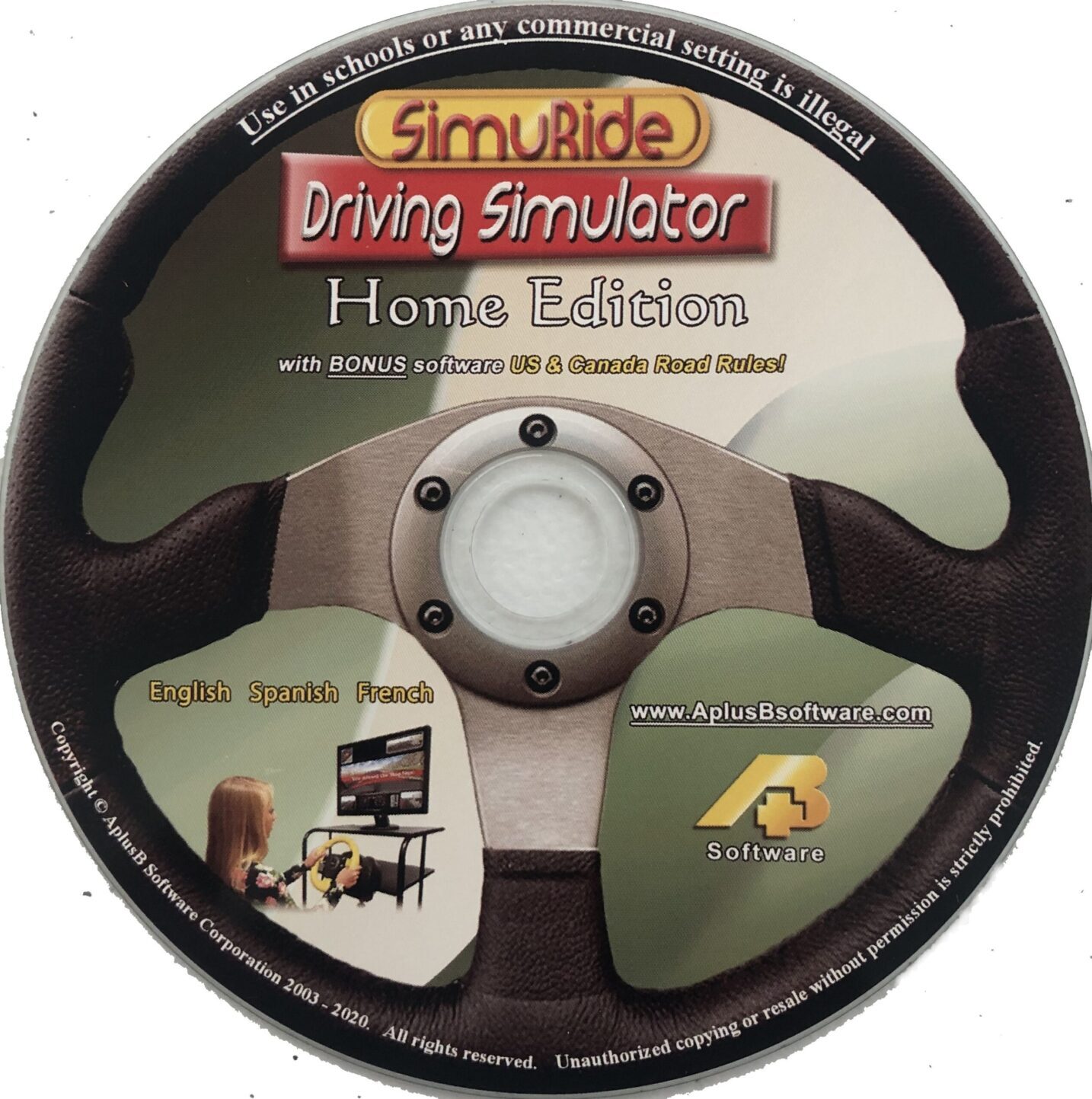
Learn the Road Rules & practice all the essential driving skills you need for the road with a realistic 3D driving simulator.
Simulator HE Package:
| Product Price: | $35.00 | ||
| Shipping & Handling: |
|
Sharpen skills such as parallel parking, merging, and passing with any plug-and-play steering wheel set.
Become comfortable enough with driving to remember to routinely look around, check blind spots, use mirrors, turn signals, headlights, and be aware of your speed. You can make smart driving a habit.
Ready to drive? Take a look through our website to learn more.
Watch the video, read below, and check out the Gallery for SimuRide photos.
What is the SimuRide Home Edition?
The SimuRide Home Edition (HE) is driving simulation software for the home computer. It is meant for beginner drivers who are studying for their driver’s license.
The program builds up and encourages good habits that will be used when driving a car.
SimuRide was designed with the driver in mind. By practicing on a simulator, in addition to practicing in a real vehicle, students can calmly pick up necessary skills, gain the experience to feel comfortable.
The simulator does not require parental supervision or a learner’s permit, does not use fuel and cannot be damaged in collisions!
More practice makes the roads safer for everyone.
Car Driving Simulator Contents
The simulation program takes the student through a 3D virtual map that includes:
- A parking lot
- City intersections
- A highway
- A dark tunnel
- A foggy valley
- Icy patches and snow/rain
- A winding road with falling obstacles
There is no sequence and students are free to practice driving wherever they choose.
It teaches students to operate a vehicle with automatic transmission, with the option to choose a small trailer.
The software is similar in design to the SimuRide Professional, but it is simplified and runs on a single home computer monitor.
By pressing buttons on the wheel and/or keyboard, users have the ability to turn to look to their left, right, monitor blind spots and directly behind their virtual vehicle for approaching traffic and obstacles.
Driving Simulator for People with Disabilities
SimuRide is also a driving Simulator for the people with special needs.
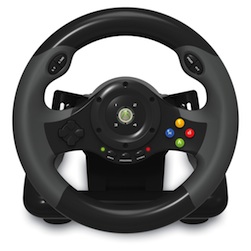
Our SimuRide can be used also with the Xbox Adaptive Controller.
Since this particular wheel offers accelerator and brake (analog) push buttons in the steering wheel, it can be used with our SimuRide HE to learn and practice driving by people who have some limitation in their legs and have to use their arms to accelerate or brake the vehicle.
Lessons on the SimuRide HE
The SimuRide HE conditions students to use their rear-view mirrors, headlights and turn signals.
Nervous drivers can get a feel for the steps they have to take when starting a vehicle, turning and parking. When they drive a real vehicle, they will spend less time remembering what they have to do.
What skills can you practice with Home Edition driving simulator?
Important skills that can be practiced on the SimuRide HE include:
- Starting the car and putting it into the right gear (automatic)
- Accelerating, decelerating and braking
- Being aware of road signage, traffic lights, and other cars
- Turning and reversing using signals and rear-view mirrors
- Parking in a provided space
- Parallel parking
- Decision making and reacting to moving obstacles and road blocks
- Interacting with other motorists on the road and at intersections
- Maintaining good driving speed
- Skid controlling on icy road during a snow/rain fall
- Passing a moving vehicle
- Merging onto a highway
- Turning on headlights in dark
- Driving, turning, and reversing with a trailer attached
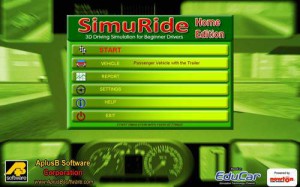
When to Use the SimuRide HE
The SimuRide HE was designed to learn and increase driving skills, especially if access to a practice vehicle is limited.
Students should practice with SimuRide HE alongside a real vehicle for best effect.
Young children can play on the program in advance and licensed drivers can improve their driving skills like parallel parking, and driving with a trailer attached.
SimuRide HE is great for preparing for a driver’s test. For written test preparation, take a look online for the US & Canada Driving Test software by AplusB Software.
Not all students have access to a practice vehicle, time to practice, or a driving school. Parents or owners of vehicles for practice limit their use when fuel or risk of accident is a large concern.
Using SimuRide HE maintains a great amount of practice without using fuel and keeps drivers safe.
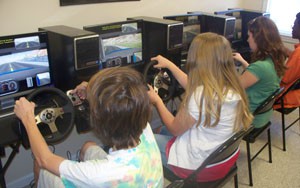
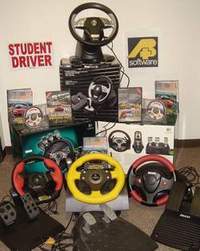
SimuRide is a great addition to studying in a school or from a book; it is much more interesting, fun and engaging.
Software Availability
The SimuRide Home Edition is now available in our online store for $35.
Computer Requirements
In addition to the SimuRide HE Software, you will need the following hardware:
- A desktop or laptop computer
- A computer monitor, TV or wall projector
- Any plug-and-play steering wheel set (steering wheel, pedal base and some models gear shifter) available in our Online Store
Your home computer will need the following specifications:
- Windows operating system: Windows 11, 10, 8, 7
- For XP: RAM 1GB
- For Windows 8, 7 and Vista: RAM 2GB
- For Windows 10, 11: RAM 4GB
- Suggested processor – Intel Core 2 Duo – Clock 2.66 GHz or equivalent
- Minimum graphics card – Nvidia GeForce 7600 GT or any other card that has G3D Rating minimum 393 and Rank maximum 363.
- Check your video card here: http://www.videocardbenchmark.net/gpu_list.php
- For some older computers we provide 3D Software Accelerator and few additional functions (implemented in the SimuRide HE software) that make the SimuRide HE more compatible.
- Mac Computer users can run SimuRide by installing a Windows emulator. An emulator is a program that allows Mac OS computers to run Windows-based programs.
Support & Updates
You can reach us from: 8:30 am to 5:00 pm (EST), Monday through Friday.
We provide first level technical support by email: support@aplusbsoftware.com
SimuRide HE Manual (Please Read before installation): click here.
The steering wheel with pedals must be used.
You have to run the Steering Configuration before you will be able to run the SimuRide HE simulator program.
If your steering wheel doesn’t have enough buttons/controls, or you would like to use our default keys for some functions here is a list of them:
Ignition “I”
Starter “S”
Belts “B”
Emergency Brake “E”
Next Gear “Page Down”
Previous Gear “Page Up”
Full list and other important information can be found in the SimuRide Manual PDF that is provided on the disc and main program Menu under the Help button.
Simulator Installation
Please watch our 8 minutes video (listed above) before you start installing the SimuRide HE into your computer!
This video is vital and explains in detail how to install and setup the simulator program and the steering wheel with pedals.
You have to go to START/All Programs/A+B Software/Steering Wheel Configuration, to be able to use your steering wheel.
Additional Information
The SimuRide Home Edition Driving Simulation Software is for right and left hand traffic, to be used at home.
For schools and any commercial purpose we offer SimuRide Professional Edition.
Home Edition is intended for home use only, this is not approved for any type of business.
This software generates warnings if it is being used in schools or businesses that it is an illegal practice and asks the user to contact authorities.


You will love these driving and simulation products:

SimuRide FS – Forklift SimulatorAt AplusB we have recently introduced our Forklift Simulator.

Simuride PE – Professional Driving Simulator Software & HardwareThe virtual driving simulation tool to teach driving passenger and commercial vehicles.
